
How to Enable or Disable WordPress Manager for Individual Package Types

As a 20i Reseller, you can control whether a WordPress hosting package appears within the WordPress Manager via the hosting package type configuration, by either enabling or disabling WordPress Manager.
To get started:
- From the My20i homepage, select Manage Services in the sidebar
- Select Configure Package Types
- Locate the package type you would like to configure > Options > Edit
From the Edit Package Type menu, navigate to the WordPress features heading and then locate the WordPress Manager checkbox
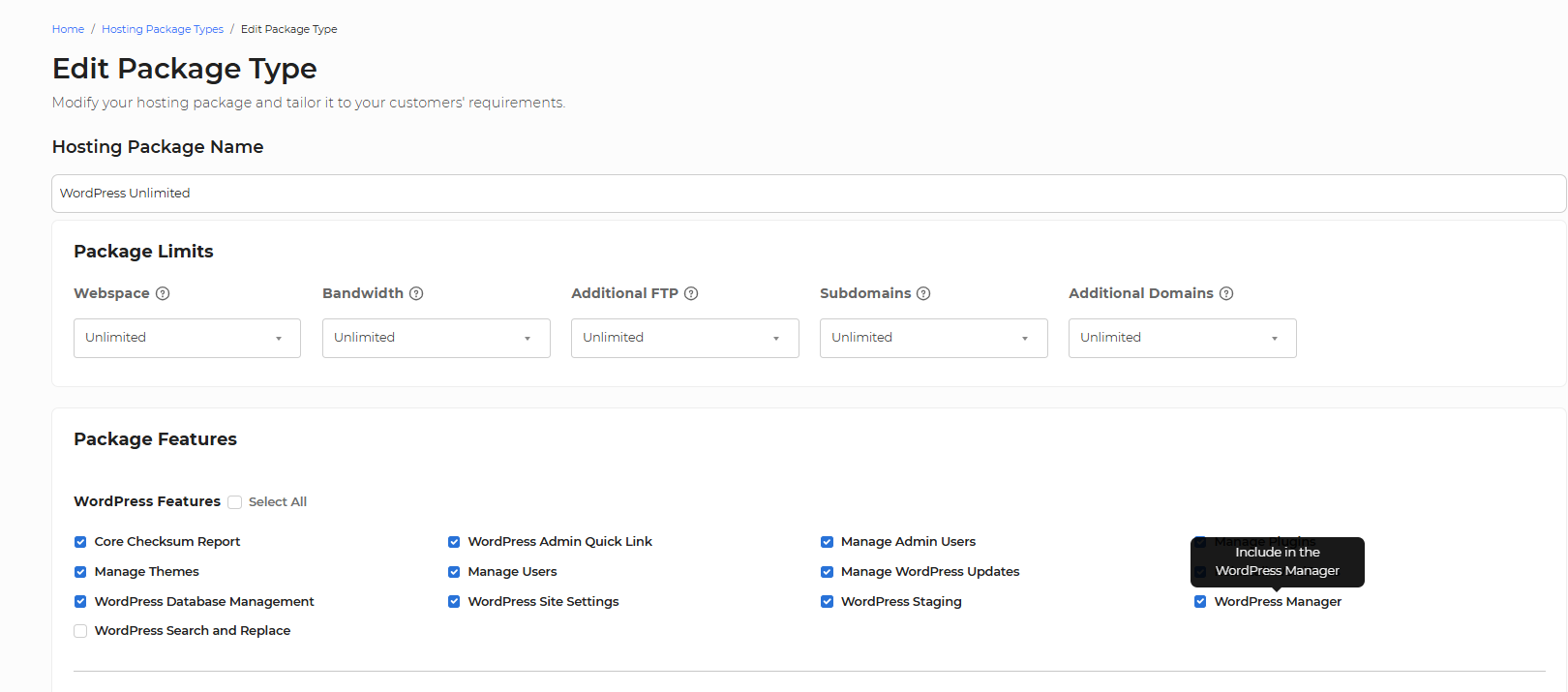
Note: Due to the nature of the WordPress Manager, this option is available for WordPress hosting package types only.