
Managed Cloud Server SSH IP Address Whitelist

Managed Cloud Servers provisioned after April 2026 will come with an updated SSH architecture. This update means that SSH is now terminated directly on the individual server. As part of this implementation, SSH access is restricted using source IP whitelisting alongside SSH key authentication. Restricting SSH access to approved IP addresses helps protect your hosting package from unauthorised access.
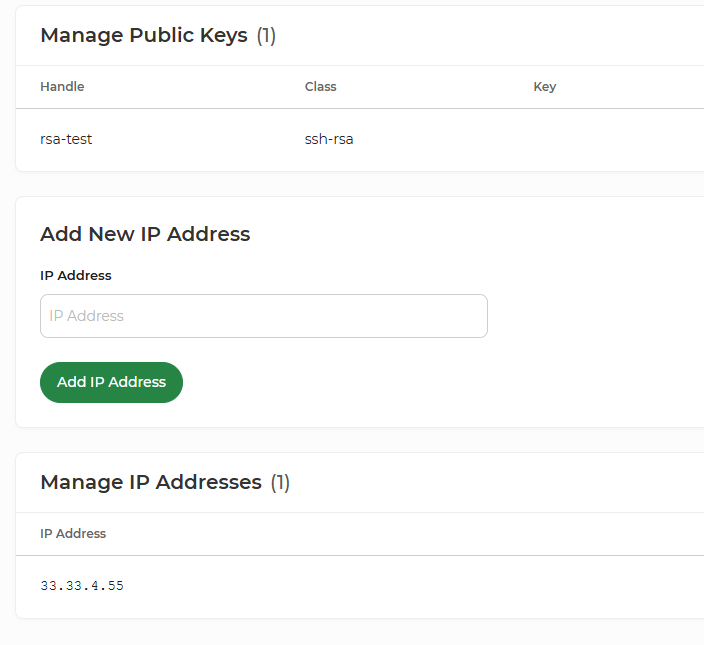
You can add a maximum of 15 IP addresses to the SSH access section of each hosting package. If you reach this limit and need to add another IP address, you'll first need to remove an existing entry that is no longer required.
We recommend regularly reviewing your permitted IP addresses and removing any that are no longer in use.
You can manage your permitted IP addresses through My20i:
- Log in to My20i.
- Navigate to Manage Cloud Servers
- Select the Managed Cloud Server your hosting package is hosted on.
- Select the hosting package you wish to manage.
- Under Security, select SSH Access.
- Add or remove permitted IP addresses as required.
For further information on connecting via SSH, please see here.