
Managed WordPress Hosting: Managing Your Hosting

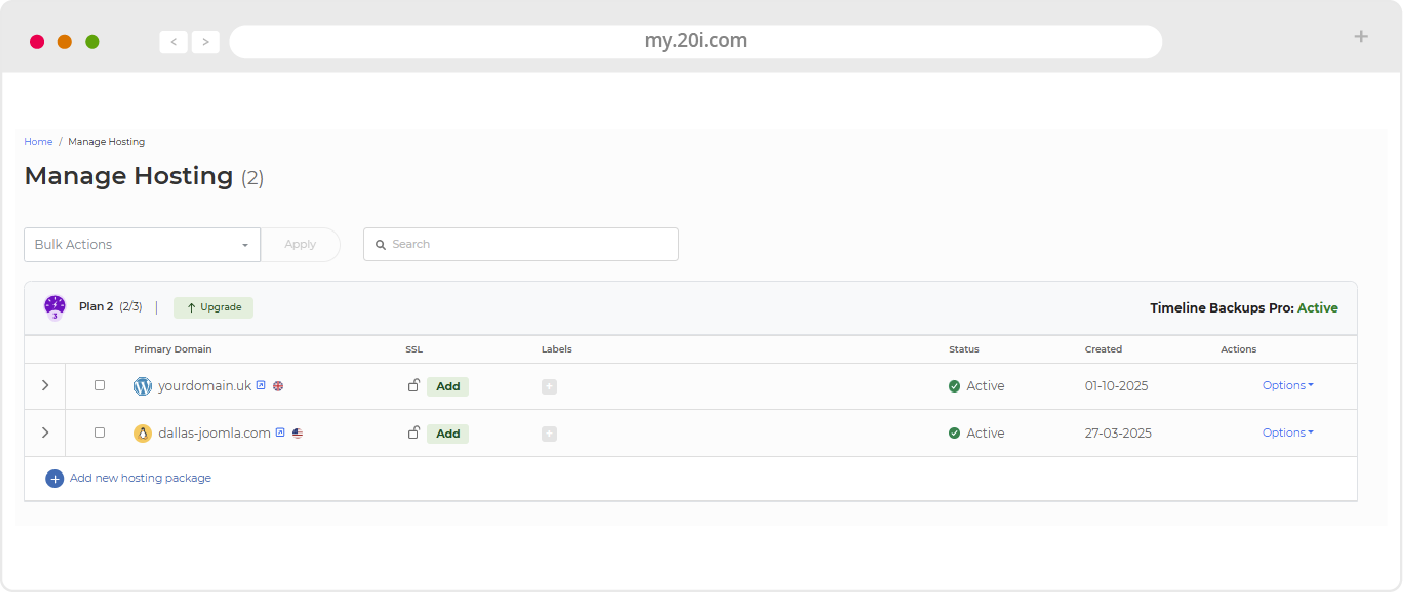
You can select and manage all hosting packages through the menus and shortcuts on the My20i home screen.
Choosing ‘Options’ and then ‘Manage’ will take you to the package’s service overview page, where you can manage all aspects of the package and website.
CDN - Content Delivery Network
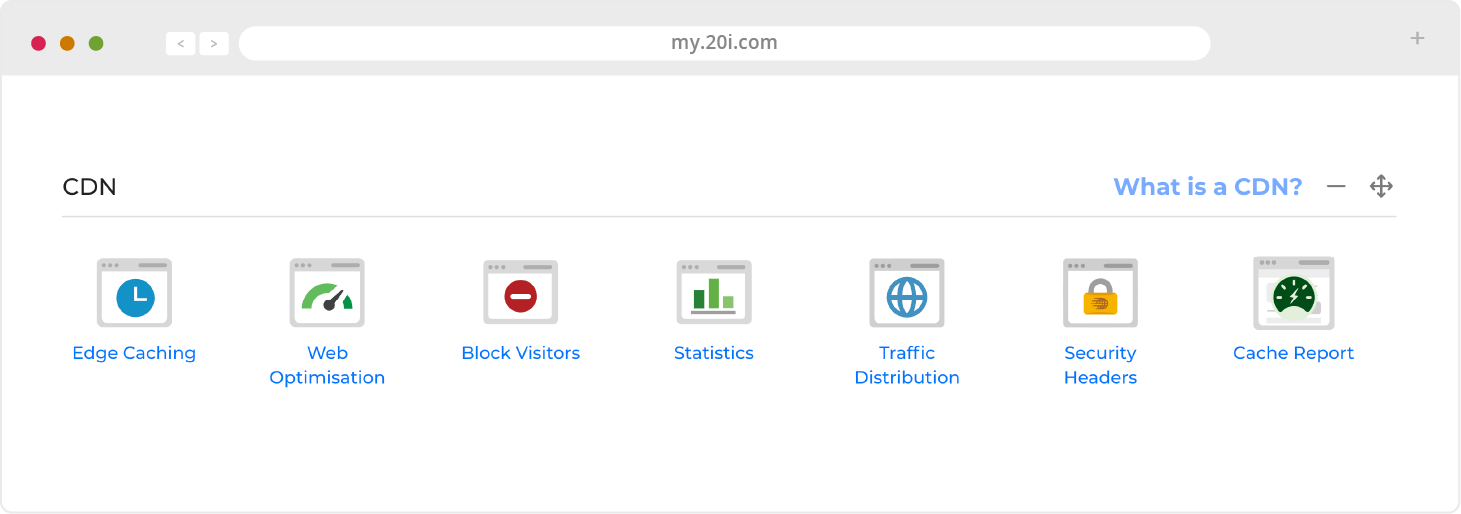
Edge Caching - Speed up your site for users wherever they are in the world. Control how your website content is cached, and purge the cache if necessary
Website Optimisation - Improve the responsiveness of your website through these powerful enhancements. This module can be configured to automatically improve website load times and performance by implementing best practices.
This includes optimising images, JavaScript minification and combining CSS - all to enhance speed and the Google PageSpeed Score. This in turn, positively impacts search rankings and helps you develop high-performing websites at scale.
To apply these free performance enhancements, head to My20i and select the package that you’d like to speed up. From there, click on the Web Optimisation section, where you’ll see the full list of the tweaks that can be toggled on or off.
We’d recommend using Web Optimisation and Staging together to ensure that your optimisations don’t conflict with any plugins.
If you are unsure where to start our Web Optimisation Wizard will guide you through the process.
Block Visitors - Block users for your site by country or IP address
Statistics - See detailed CDN performance statistics - useful for debugging problems
Traffic Distribution - View a map and stats of where the CDN traffic is coming from
Security Headers - Manage Security Headers and control the how CDN can be accessed
Cache Report – Ensure your site is making use of the speed and performance boosts of pre-caching. This tool displays the caching status of your web pages, if there are any problems, and the last pre-cache update time for each URL.
Web Files
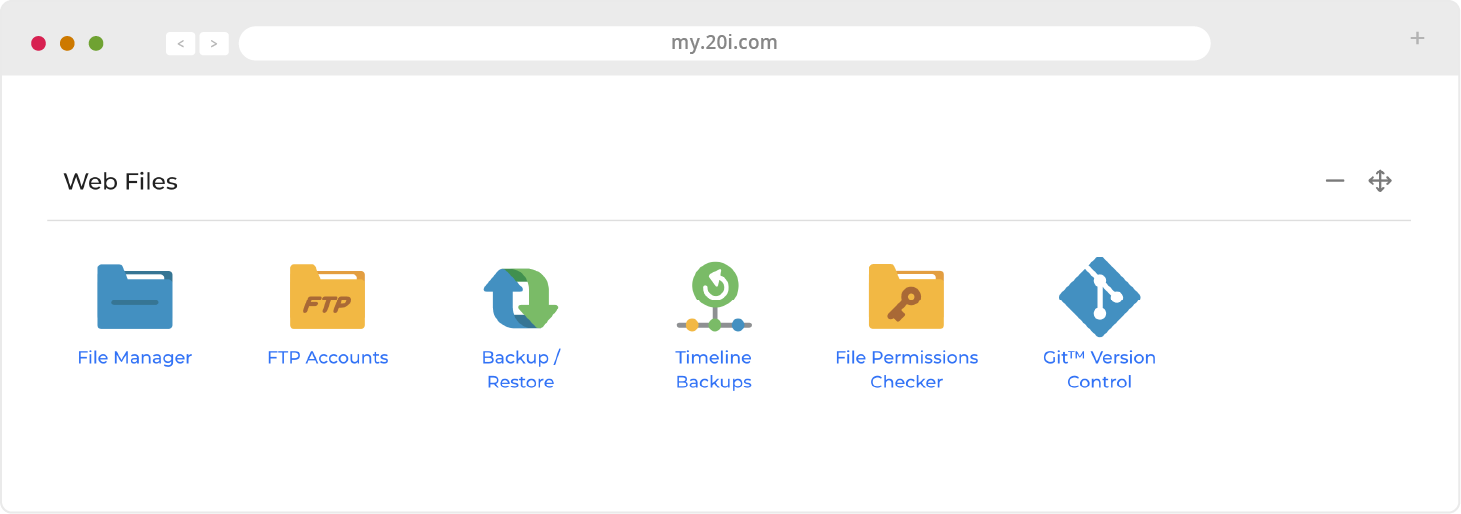
File Manager - Add, delete, open and edit website files and folders via a user-friendly web interface
FTP Accounts - Manage access, permissions and users to allow easy collaborations, manual backups etc
Backup/Restore - Creates and downloads website backups
Timeline Backups - Access daily backups of your site - see Security and backups for more info
File Permissions Checker - Websites can be hacked if they have the incorrect file permissions. This tool will check that you have the correct permissions and fix them if necessary
Git Version Control - GitHub is used for collaborative web development, and My20i includes a graphical user interface that helps simplify and speed up the process. Integrate your GitHub account and clone, manage and create local and remote repositories
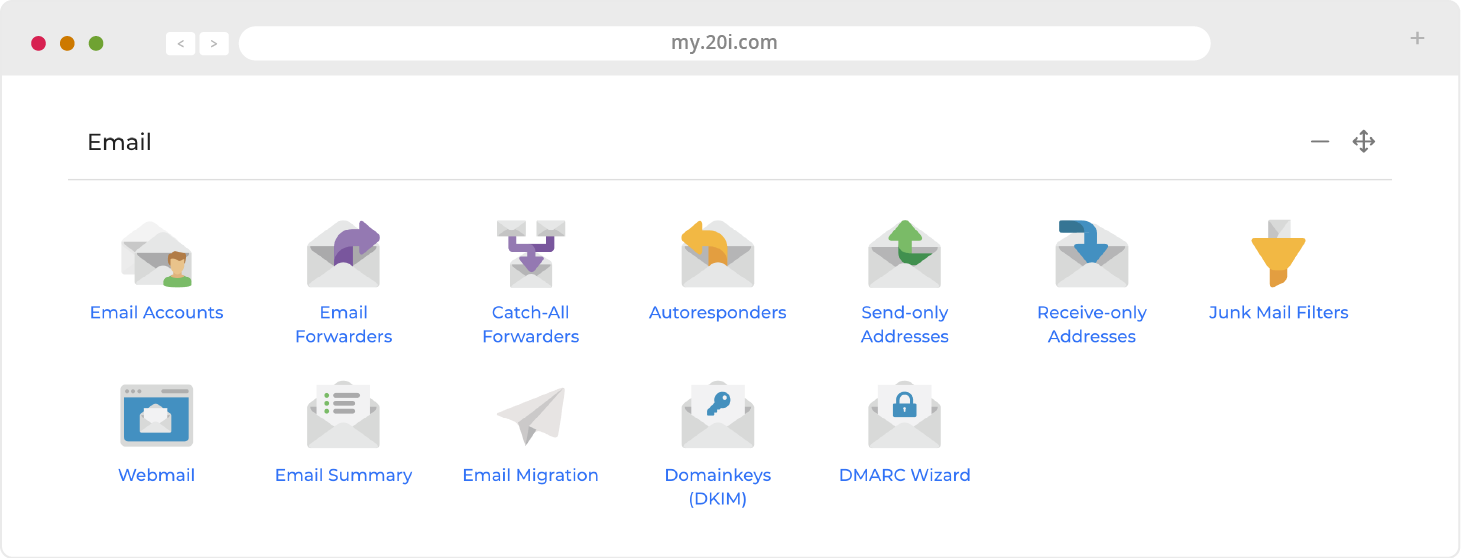
Email Accounts - Create, manage and change passwords for your mailboxes
Email Forwarders - Create rules to forward your email to a different email server
Catch-All Forwarders - If someone sends an email to your domain, but gets the first part wrong, you can use this tool to make sure that it is forwarded on and simply blocked from getting through
Autoresponders - Set up and edit automatic email messages in plain text or HTML. You can choose the dates they run for and whether or not to forward incoming email
Send-only Addresses - Set up and edit email accounts that can only send emails, not receive them
Receive-only Addresses - Set up and edit email accounts that can only receive emails, not send them
Junk Mail Filters - Set rules and control the level of junk email filtering applied
Webmail - Sign in to your online email service
Email Summary - An overview of all email accounts, forwarders and autoresponders being used by this package
Email Migration - The place to migrate your email from a previous provider
Domainkeys (DKIM) - Improve the deliverability of your email by using a DKIM signature
DMARC Wizard - Reduce spam and the risk of phishing by adding DMARC policies
Web Tools
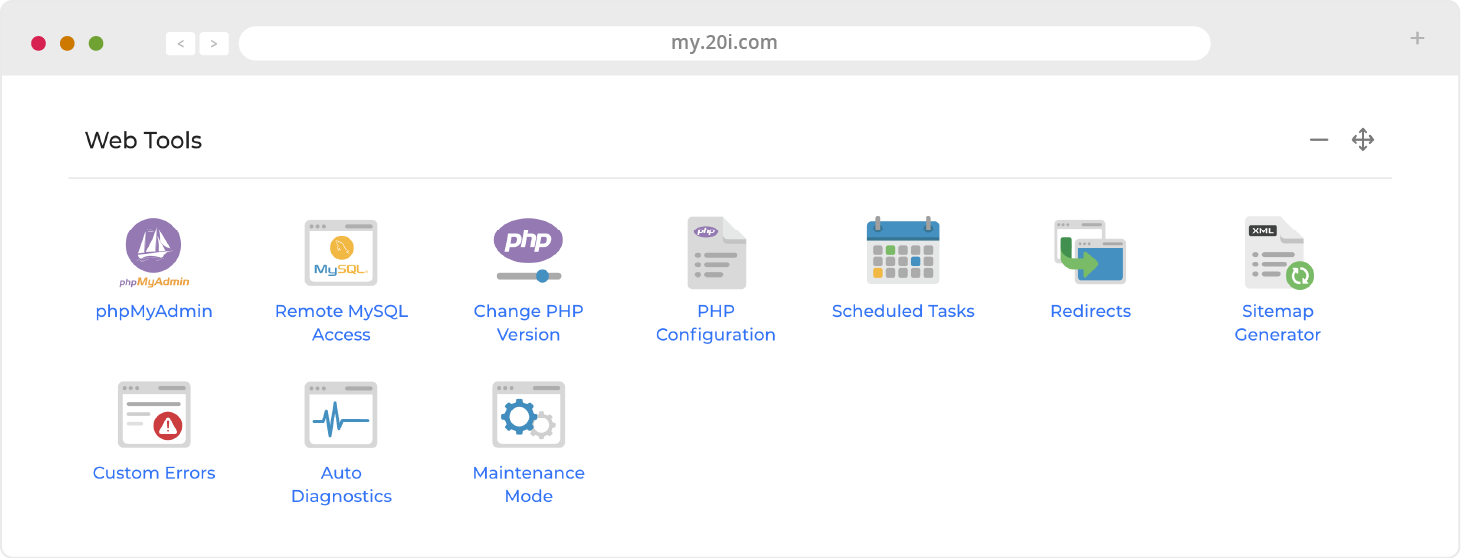
phpMyAdmin - This is used for PHP-based MySQL database management
MySQL Databases - Manage databases and grant access other users
Remote MySQL Access - Here you can allow others to access your database remotely by enabling specified IP addresses
Change PHP Version - Change PHP version from default to the latest version to ensure optimal compatibility
PHP Configuration - Change settings to suit the requirements of your applications
Scheduled Tasks - Run tasks at specific times and intervals
Redirects - Create temporary or permanent redirects from My20i
Sitemap Generator - Create an XML sitemap of your site to help search engines and other bots
Custom Errors - Manage what happens for your different error types on your site
Auto Diagnostics - Check for any common misconfiguration issues or errors involving malware, error logs, file permissions or SSL certificates
Maintenance Mode - Put your site into ‘Maintenance mode’ where a message will appear indicating that the website is undergoing maintenance
Domain Names
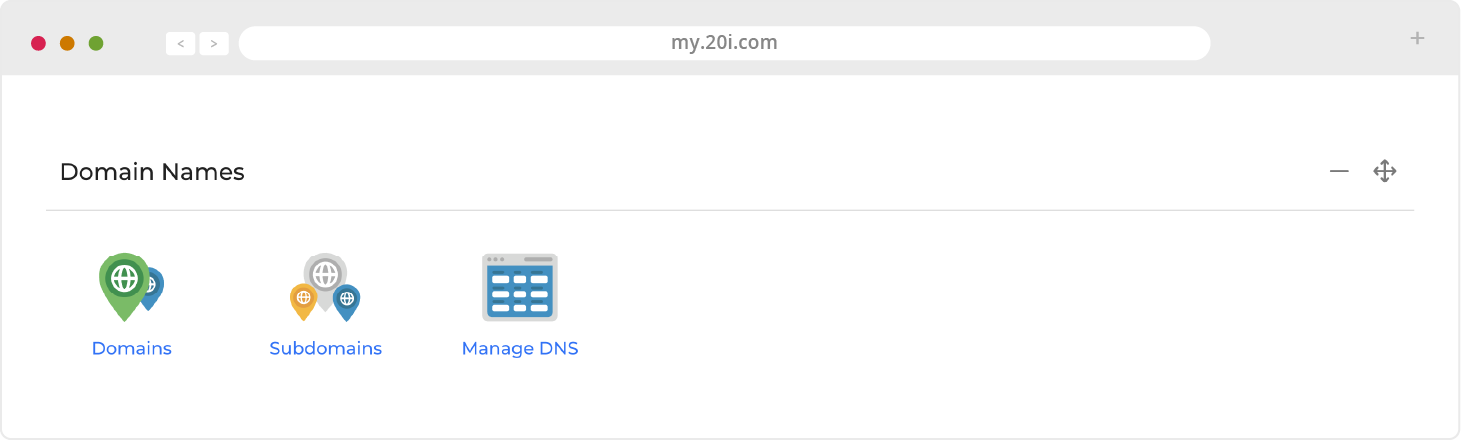
Domains - Add or remove domain names on your hosting package
Subdomains - Add and manage subdomains in the format: subdomain.yourdomain.com
Manage DNS - Add, edit and reset DNS records
Domain Contacts - Manage the contact details of the people associated with a domain
WHOIS - View the WHOIS Result for the associated domain
Nameservers - Edit and change the nameservers of a domain
Domain Privacy - Manage all aspects of your domain privacy from this dashboard
DNSSEC Protection - Activate or deactivate protection against forged DNS answers when using our nameservers
Transfer Away - Lock, unlock and easily transfer your domains to another provider
Security
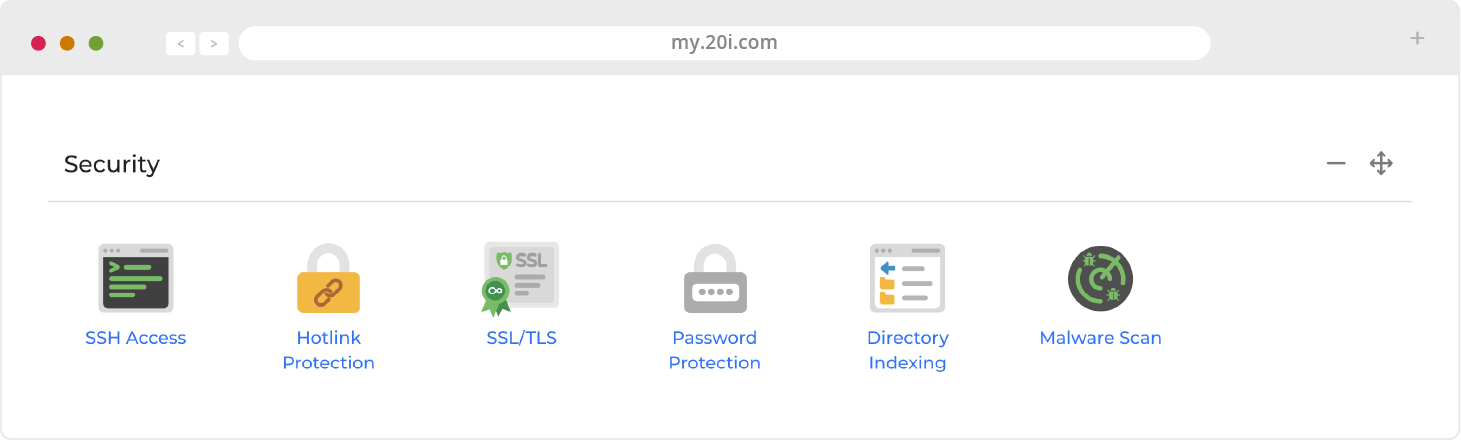
SSH Access - Add and manage public keys for SSH
Hotlink Protection - Prevent websites direct linking your website resources (e.g. images and video) and consuming bandwidth
SSL/TLS - Ensure all your visitors access your website via an encrypted connection
Password Protection - Create password protected directories for your website
Directory Indexing - Turn directory indexing on or off for your website
Malware Scan - Scan your site’s files for malware. While we scan your site every day automatically, you can start a manual scan here
Logs & Stats
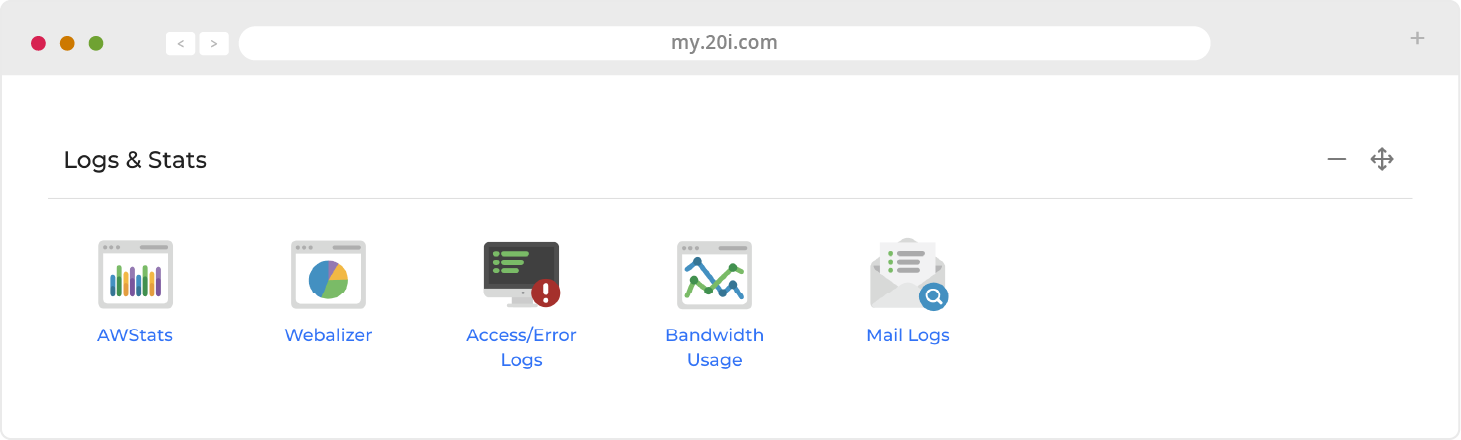
Access/Error Logs - View access logs and errors, and download full logs for analysis
Bandwidth Usage - Bandwidth and hot statistics taken directly from our load balancers
Mail Logs - Monitor email deliverability, troubleshoot and track important notifications for audit trails and legal compliance
>> Next step: WordPress Manager